
Give Patients a Simpler Way to Connect With Your Clinic
ClinicOS by ACS Patient Portal gives patients a convenient online connection to their clinic. It is a patient portal for clinics in the Philippines, designed for access through a clinic-specific link or branch QR code. Patients can register, sign in, view their information, request appointments, and check in digitally when they arrive.
Built for participating clinics in the Philippines.
Patient Portal
Your clinic, in one place
Patient access
Connected to your clinic branch
Appointments
Visits & treatments
Billing
Digital check-in
Live demo - ClinicOS Demo Clinic
See check-in through your patient’s eyes.
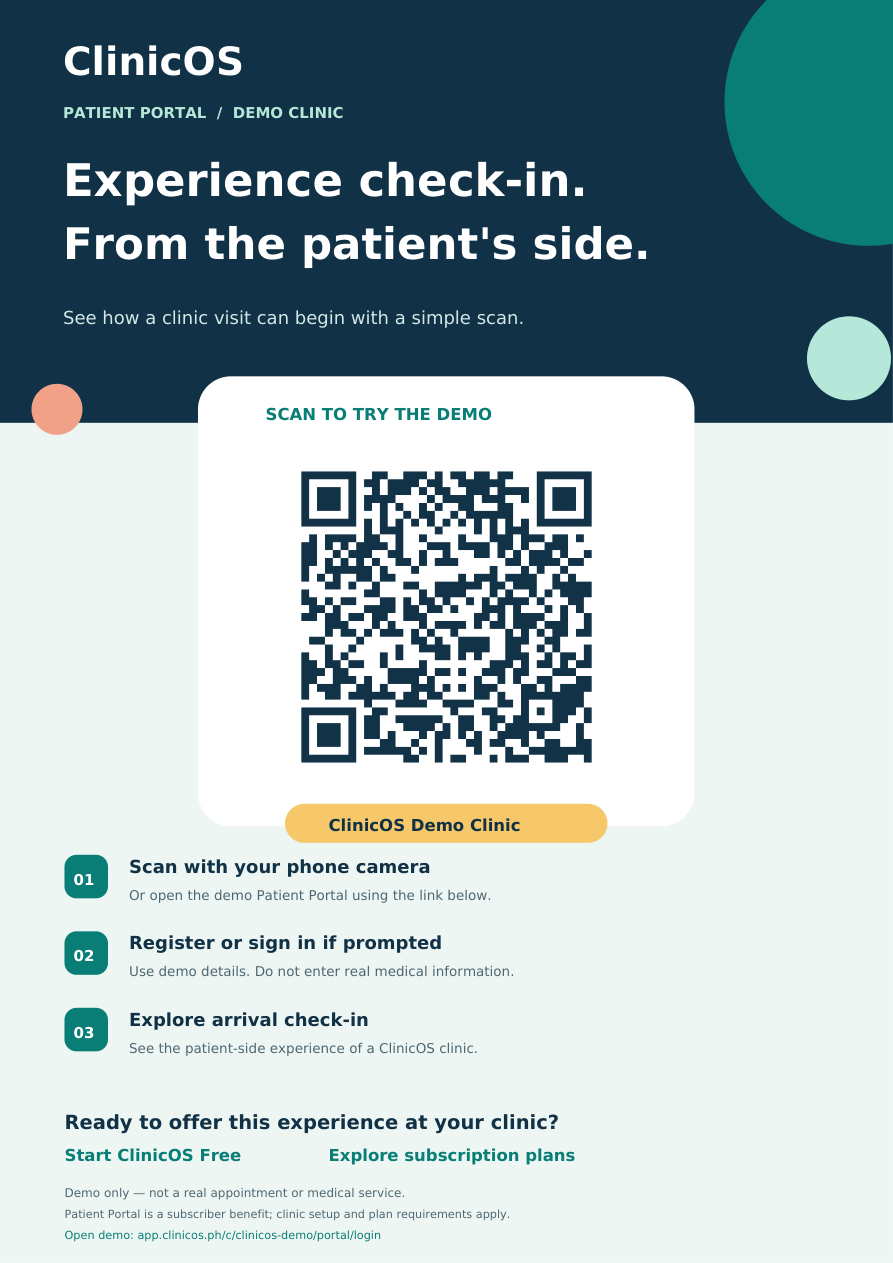
Scan the QR code or open the demo link to experience how a patient begins a visit at a ClinicOS clinic. Register or sign in if prompted, then explore arrival check-in yourself.
- 1Scan the QR code with your phone camera, or open the demo link.
- 2Register or sign in if prompted.
- 3Explore patient-side arrival check-in as a patient would at a ClinicOS clinic.
ClinicOS Demo Clinic is an educational demo, not a real appointment or medical care. Use demo details only. Do not enter real medical information or anyone else's personal details.

ClinicOS Demo Clinic
Patient arrival check-in demo
The Patient Portal is a subscriber benefit; a free account does not include the full portal.
For patients
A More Convenient Patient Experience
Give patients a clear way to reach the right clinic location and handle common tasks online.
Register through a clinic-specific link or QR code
Sign in to the Patient Portal
View past visits and treatments
Find available patient-facing documents
Review billing information
Manage profile information
See upcoming appointments
Request an appointment online
Check in digitally when arriving at the clinic
The information available to each patient depends on the records and settings maintained by the clinic.
For clinics
Less Friction for Patients and Clinic Staff
The Patient Portal helps clinics offer convenient self-service access while keeping staff in control of the workflow.
Give each branch its own portal link or QR code
Direct patients to the correct clinic location
Reduce repetitive front-desk questions
Keep appointment requests organized for staff review
Show availability based on configured doctor schedules and branch capacity
Support digital arrival check-in
Keep clinic and branch activity properly separated
The workflow
How the ClinicOS Patient Portal Works
Share the branch link
The clinic shares its Patient Portal link or branch-specific QR code with patients.
Patients access their information
Patients register or sign in to view available visits, treatments, billing information, profile details, and upcoming appointments.
Patients request or check in
Patients select a doctor assigned to the branch and a time from configured schedules and capacity, then submit a request. They can also check in digitally when they arrive.
Staff review and manage
Clinic staff review appointment requests, confirm the appropriate schedule, and continue managing the patient workflow in ClinicOS.
Appointment requests are not automatically confirmed. They remain pending until clinic staff review and confirm them.
Branch-aware access
Built for Clinics With One Branch or Many
Each clinic branch can provide a location-specific Patient Portal link or QR code. This helps patients connect with the correct branch and helps clinic teams keep appointment requests and patient activity associated with the right location.
For clinic owners
A Patient Portal That Works With Your Clinic Workflow
The Patient Portal is connected to ClinicOS, so patients can use a convenient online experience while your team continues managing schedules, patient records, visits, treatments, billing, and appointment requests from the clinic system.
Patient Portal FAQ
Questions about patient access
Clear answers for clinics deciding how to introduce the portal to their patients.
What is the ClinicOS by ACS Patient Portal?
What can patients see?
Can patients register online?
Can patients book appointments online?
Can patients check in digitally?
Can one clinic support multiple branches?
Does the portal replace the clinic’s staff?
Can patients reschedule or cancel their own appointments?
Is the Patient Portal included with ClinicOS?
Make the next clinic visit easier to start
See how ClinicOS brings patient access, records, appointments, and clinic workflow together.